
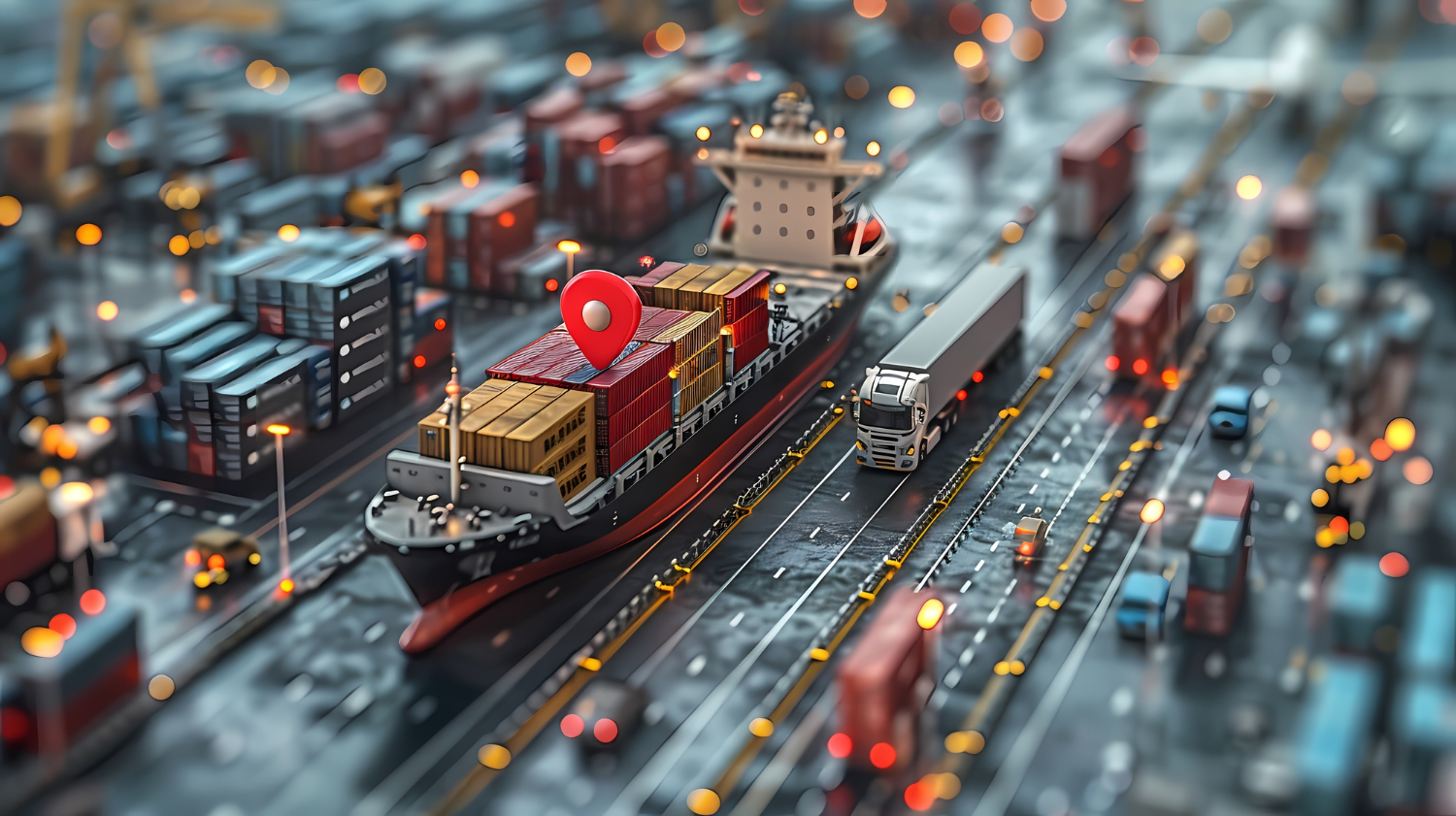
For cargo handling, the AR vs VR question splits cleanly by task. Augmented reality is the stronger fit in live operations such as picking, put-away and cycle counts. Virtual reality does its best work away from the live floor, in onboarding new staff and in simulating layout and process changes before anyone moves a rack. The reason is built into the two technologies: AR adds to the real environment, while VR replaces it. A picker who cannot see the real shelf cannot pick from it.
Whether to invest is a separate question, and we would judge it on three things: which tasks gain the most, what hardware and compute the floor has to carry, and which risks (health, device lifecycle, integration, culture) can sink a rollout that looked good in a pilot.
AR vs VR in a warehouse: adding to the floor or replacing it
Milgram and Kishino give an operational definition. They define augmented reality as any case in which an otherwise real environment is “augmented” by virtual computer-graphic objects. They also named the opposite case, where a virtual world is augmented with real content, “augmented virtuality”. For more on the technology itself and where it is used outside logistics, see our overview of what augmented reality is and where it is applied.
The W3C covers both in a single specification. The W3C WebXR Device API (Candidate Recommendation Draft, 9 June 2026) describes access to both VR and AR devices, including sensors and head-mounted displays, from the web. One web API therefore covers both AR and VR devices. The choice between them is about the task, not the software platform.
Which cargo tasks suit AR and which suit VR
| Task | Better fit | Why |
|---|---|---|
| Order picking | AR | Routes workers to bin locations, prompts the correct quantity, and cuts walking and searching time |
| Inventory check, audit and cycle count | AR | Smart glasses highlight the designated SKU and anomalies, so counting becomes point-and-confirm |
| Receiving and put-away | AR | Glasses read the pallet ID visually, show the correct slot and guide forklift docking with directional arrows |
| Container loading against a stowage plan | AR | Loading is tracked by computer vision, QR codes or RFID, and the cargo distribution is projected onto a digital model of the vessel |
| Unloading compliance and cold chain | AR | Headsets or handhelds pull data from the container’s logger and flag non-compliant containers visually |
| New-hire onboarding | VR | New staff practise in a virtual environment before their first day on the floor |
| Layout and process engineering | VR | Simulates pallet turn radii, congestion, mezzanine ergonomics and travel distances, so bay and aisle changes can be tested without risk |
The line between the two is not a strict “AR for work, VR for training” split. A review of industrial AR on arXiv notes that AR allows concurrent training while the user carries out the real process. A logistics training provider argues that AR also shortens onboarding, because execution is system-driven rather than memory-driven. We would keep VR for training when the environment does not exist yet, or when mistakes in the real one would be dangerous or expensive.
How does AR help with cargo loading, picking and inventory checks?
AR helps by keeping the next instruction in the worker’s view while the task is under way. Using a head-mounted display instead of a manual reduces head and eye movement. On the manufacturing side, the same arXiv review describes AR showing procedural information continuously, which lowers cognitive load and lets workers keep their focus on the task.
Picking: where the measured evidence is strongest
Picking is one of the most labour-intensive warehouse functions. Guo et al. (ISWC 2014) put order picking at about 60% of warehouse operating costs. The review cites Frazelle (2001) for the lower figure that picking costs can exceed half of total warehouse operating costs. The two figures differ, but both put picking at around half or more of warehouse operating costs, which is enough for the argument.
In a controlled study, Guo et al. compared four ways of guiding pickers: a head-up display, a cart-mounted display, pick-by-light and a paper pick list. They found that the head-up and cart-mounted displays beat paper and pick-by-light on every metric they measured, including accuracy, task time and subjective task load. One detail matters for buyers: the winning pair included a cart-mounted display, not only a headset. The win comes from guided, in-context information, and a head-worn device is not the only way to deliver it.
One field figure comes from a DHL pilot. Working with its customer Ricoh and the wearable-computing firm Ubimax, DHL ran a “vision picking” pilot in which smart glasses guided staff through the warehouse. DHL reported a 25 percent efficiency increase in the picking process (published January 2015). The arXiv review also cites a DHL report (2014) saying that AR cut staff errors by up to 40%. The 25 percent figure comes from DHL’s own pilot, and the 40% figure from a DHL report cited in the review. Neither shows what your operation will achieve.
Loading, unloading and the cold chain
Weight distribution on vessels and aircraft is calculated carefully, because stowage plans are critical to stability. The plans come from software, but carrying them out still depends on people. AR can help by tracking cargo as it is loaded and projecting the finished distribution onto a digital model of the vessel. That makes potential non-compliance and other mismatches efficient to identify.
On the receiving side, climate-controlled containers for fresh produce, frozen food, chemicals and pharmaceuticals need continuous monitoring or RFID tags to document temperature history down to the container level. A headset or handheld that reads each container’s data logger during unloading can visually isolate the non-compliant ones. Similar uses reach further along the chain. AR can speed up package identification and truck sequencing, and it helps with a familiar last-mile problem: finding a specific parcel inside a delivery vehicle. The review also cites work by Kretschmer et al. (2018) reporting significantly lower palletisation error rates with AR guidance.
Nowakowski and colleagues (Sensors, 2024) set out design assumptions for an AR system to support cargo handling in an air terminal warehouse. They based these on a five-stage analysis that drew on co-participant observation, process analysis, interviews, internal documentation and the applicable legal regulations.
What compute does an AR cargo system need on the warehouse floor?
An AR cargo system needs reliable tracking, a display the worker can wear or carry, and enough processing power for real-time content. The arXiv review puts the constraint plainly: AR devices need high processing power to run real-time scenarios with high-quality content and tracking algorithms, and current hardware, especially head-mounted displays, often falls short.
Tracking: markers, position or SLAM
AR systems need calibration and a stream of sensor inputs, such as camera, accelerometer, GPS and an inertial measurement unit, with magnetic or electromagnetic sensors adding accuracy. Positioning algorithms fall into three families. Pattern-recognition methods anchor content to a barcode or sign. Position-based methods use GPS and relative-position sensors. SLAM (simultaneous localisation and mapping) works without markers or GPS by fusing camera images with inertial data, but it is computationally heavy.
Both marker-based and markerless tracking have known failure modes in industrial settings. Marker-based tracking is sensitive to lighting and fails when the marker is hidden by goods or shadows. Markerless methods are still immature, slow to set up and prone to unstable virtual objects. Our judgement is that the tracking choice should follow the task. We would use pattern-based anchoring where location barcodes already exist, and keep SLAM for open areas such as yards, docks and container interiors. The computer-vision side of this is covered in more depth in creating AR experiences with computer vision.
Devices: glasses, headsets, tablets and projectors
The review groups AR displays into three types: mobile displays (phones and tablets), wearable head-mounted displays, and projectors that overlay content onto the real environment. Many AR solutions now also run on tablets and smartphones, not only on smart glasses.
The two head-worn devices below differ sharply in battery life. According to Vuzix, its M400 smart glasses run a Qualcomm Snapdragon XR1, with a CPU, GPU and AI engine built for on-device vision models. They weigh under 3 oz, mount on safety glasses or a hard hat, and run for 2 to 12 hours depending on the external battery. Microsoft’s HoloLens 2 documentation lists a Snapdragon 850 with a custom holographic processing unit, 4 GB of system memory and 2 to 3 hours of active battery life. These figures come from the vendors’ own documentation. The battery figures alone show that a full-volume mixed-reality headset and a monocular picking display are built for different shifts.
On-device rendering or a GPU server streaming the scene
Remote rendering moves the 3D work to a server, which renders in response to the headset’s motion and streams the frames back. AWS claims its remote-rendering setup handles more than 100 million polygons at 40 to 60 frames per second, while self-contained AR goggles run smoothly only below 1 million. The cost is network demand. AWS gives the typical requirement as under 20 ms motion-to-photon round-trip latency, about 10 Kbps uplink and 20 Mbps downlink per device, with throughput rising as devices are added. By that figure, 25 headsets streaming at once would need about 500 Mbps of downlink (25 × 20 Mbps) before any other floor traffic. For on-premises sites with limited connectivity, AWS points to ruggedised edge hardware such as Snowball Edge, which can run GPU instances disconnected from the cloud.
NVIDIA’s CloudXR Runtime is an OpenXR-compliant runtime for streaming XR content to remote clients. It requires a Blackwell or Ada generation GPU with graphics-driver support and NVENC hardware video encoding, with at least two NVENC sessions and three or more recommended. Supported cards include the GeForce RTX 5090, 5080 and 4090, RTX 5000/6000 workstation cards, and the L40 and L40S server GPUs.
We would look at streaming only when the use case calls for something heavy, such as a full 3D digital twin of a vessel’s load plan. Even then, we would size the encoder sessions and the wireless downlink before choosing the headset.
What should a logistics operator weigh before investing in AR?
A controlled study and DHL’s own pilot report support AR’s benefit in picking. We see much less support for a general return-on-investment case. Before committing, an operator should work through these points:
- Task complexity. The review notes that a task’s complexity correlates with how much AR is used, and some field studies, including Stoltz et al. (2017), found AR hurt performance because of headset comfort, software problems, privacy issues and high cognitive load.
- Eye strain and long shifts. Long-term use of head-mounted displays has been linked to distorted depth perception, double vision, visual discomfort and fatigue. A six-month study of 43 logistics and picking employees at two German companies (Sensors, 2024) set out to fill a real gap, noting that the long-term health effects of smart glasses at work had not yet been assessed.
- Adoption and perceived health risk. The same study cites earlier work finding that users enjoy AR less when they associate the devices with health risks, which points to lower adoption. Experienced staff are often sceptical at first, and the tools themselves take training time.
- Device lifecycle. Road to VR reports that Microsoft announced a last-time buy for HoloLens 2, with security updates continuing through 31 December 2027.
- Integration and running costs. Cost, ongoing software updates, integration timelines and the support infrastructure around the devices remain barriers, even though integration with warehouse management systems is improving.
- Network, if rendering is streamed. Cloud-based AR needs high-quality, secure network service to deliver content smoothly, within the latency and bandwidth budgets set out above.
- Cost and profitability. Several studies reviewed in the arXiv paper report cost and profitability concerns alongside the gains. Stoltz and colleagues’ IFAC paper on the opportunities and barriers of AR in warehouse operations (2017) is a useful peer-reviewed starting point.
Ergonomics belongs early in the plan, because headset comfort has hurt performance in field studies. The design side is covered in our piece on UX principles for augmented reality development.
Taken together, we would make a narrow first move rather than a site-wide decision. Pick one high-volume, well-structured task, measure its current error rate and pick time, and test AR against a cart-mounted display as well as a headset, since Guo et al. found both beat paper and pick-by-light. DHL’s 25 percent figure came from a pilot. The pilot figure that matters for the investment case is the one measured on your own floor, during your own shifts, with your own staff wearing the devices for a full day.
FAQ
What is AR vs VR vs MR?
AR overlays virtual objects on the real environment, while VR replaces that environment with a virtual one. Milgram and Kishino also name augmented virtuality, where a virtual world is augmented with real content. Microsoft describes HoloLens 2 as a device for collaborating in mixed reality.
