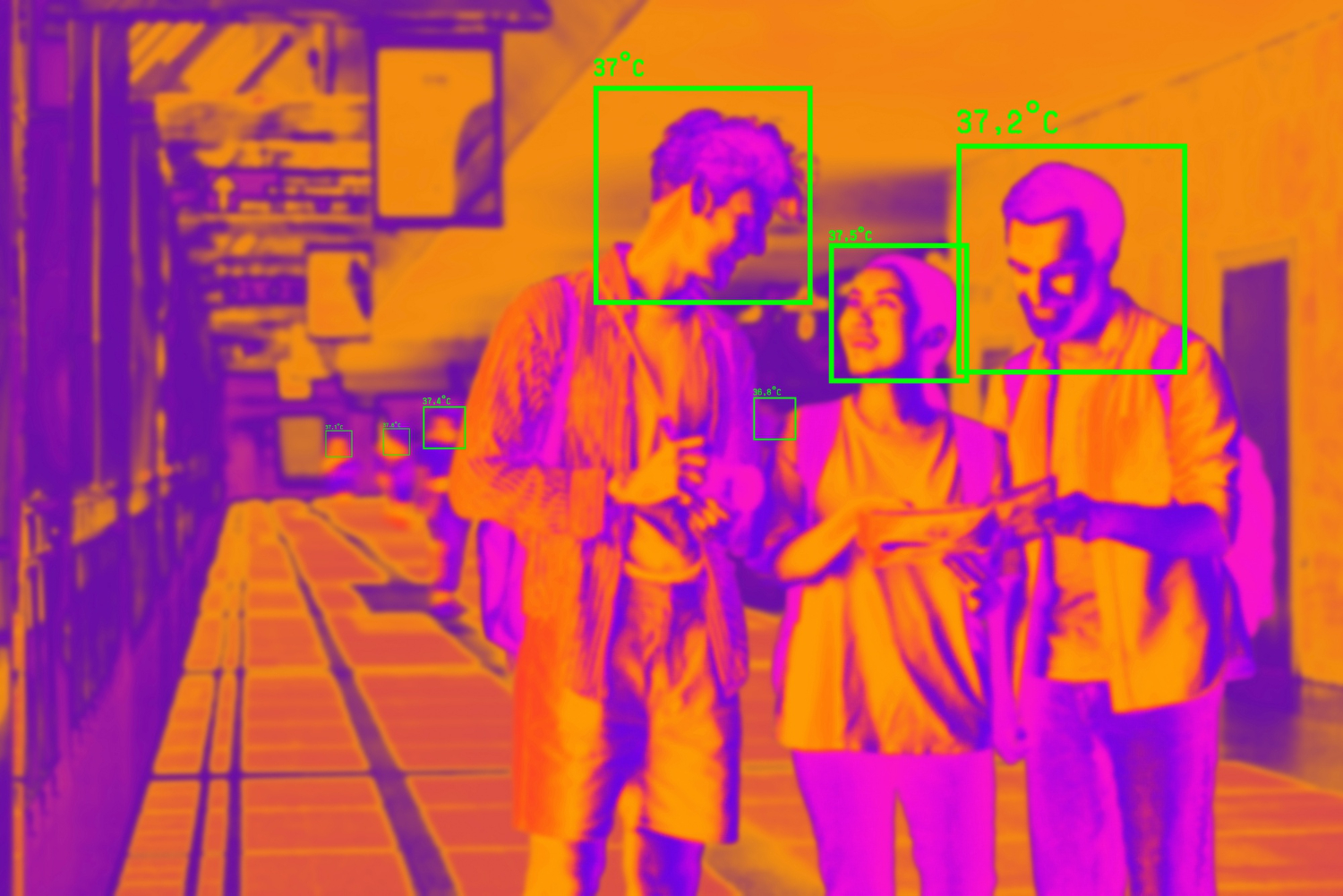
Enabling 10-bit HEVC on your cameras will not make your detection models better on its own. It changes the precision of the pixel data, the decode path, and — critically — whether the frames your model sees at inference match the frames it was trained on. That last point is where a lot of surveillance analytics quietly degrades, and it rarely shows up as an obvious codec problem. It shows up as false alarms clustering at dusk, in glare, or in deep shadow.
The intuitive read of “10-bit HEVC” is that more bits mean more quality, so more bits everywhere must mean better analytics for free. It is intuitive, and it is the wrong mental model for a computer vision pipeline. The bits are real, and the quality gain in specific scenes is real. But the value only materializes when the extra precision survives the trip from encoder to decoder to the exact tensor your model consumes — and that trip is full of silent conversions.
What does 10-bit HEVC actually change?
HEVC records pixel values at a fixed bit width for both luma and chroma channels. At 8-bit, each channel has 256 possible values per pixel; at 10-bit, it has 1024. That is a 4× increase in the number of distinguishable tone steps per channel — by definition from the bit-depth specification, not an estimate.
Where does that extra resolution matter? In smooth gradients. A slowly darkening sky at dusk, the falloff of a streetlight across pavement, the near-black interior of a doorway — these are regions where 8-bit quantization produces visible banding: stepped contours where the real scene was continuous. Ten-bit encoding places roughly four times as many tone steps across the same range, so those transitions stay smooth. In high-dynamic-range capture, where the sensor is trying to hold both a bright sky and a shadowed foreground in one frame, the difference is even more pronounced.
That is the whole legitimate promise of 10-bit HEVC for analytics: fewer quantization artefacts in exactly the scenes where 8-bit struggles. It does not add detail the sensor never captured. It does not sharpen edges. It preserves smooth tonal transitions that 8-bit throws away. If your cameras mostly watch well-lit, low-contrast scenes, the extra bits are encoding precision you will never use — while still costing you decode overhead on every frame.
8-bit vs 10-bit HEVC: what changes in the data and the pipeline
Engineering teams care less about perceptual quality than about file-format implications and runtime overhead.
| Dimension | 8-bit HEVC | 10-bit HEVC |
|---|---|---|
| Tone steps per channel | 256 | 1024 (~4× more) |
| Banding in gradients | Visible in low-light / HDR | Substantially reduced |
| Typical bitrate for equal perceptual quality | Baseline | Often modestly higher; scene-dependent |
| Hardware decode support | Near-universal on modern SoCs | Common but not guaranteed on older/edge silicon |
| Pixel format downstream | 8-bit per channel | 10-bit stored in 16-bit containers |
| Risk to an 8-bit-trained model | Native match | Silent down-conversion at ingest |
Two rows in that table cause most of the trouble. First, hardware decode support: 10-bit HEVC decode is well supported on current NVIDIA, Intel, and Qualcomm silicon, but on older edge devices or budget NVRs it can fall back to software decode. When that happens, per-camera decode cost rises sharply, and a system sized for hardware decode starts dropping frames or saturating CPU. That is a market-direction reality of heterogeneous camera fleets — you rarely control every decode endpoint.
Second, the pixel format row. Your model was almost certainly trained on 8-bit frames. When a 10-bit stream reaches an 8-bit ingest path, something has to convert it — and that conversion is often invisible, buried in a decode library default. How the bit-depth choice interacts with the rest of the ingest stage is exactly what we unpack in our companion piece on what 10-bit HEVC means for CCTV decode and CV pipeline inputs; this article stays on the why rather than the decode plumbing.
Can feeding 10-bit HEVC into an 8-bit-trained model create false detections?
Naming this failure explicitly prevents silent degradation in production pipelines. A detection model trained and validated on 8-bit frames learned the statistics of 8-bit pixel data — including its quantization behaviour. Feed it a 10-bit stream that gets silently down-converted at ingest, and you have introduced a distribution shift the model never saw during training.
The shift is subtle. A naive 10-to-8-bit conversion (a simple bit shift, or a tone-map with a different gamma than your training data used) changes the exact pixel values in the shadow and highlight regions — the same regions where the 10-bit encoding was supposed to help. If the conversion is not the same one your training frames went through, the model sees pixel statistics that drift from its learned distribution precisely in low-light, glare, and high-contrast scenes.
That is why false positives cluster at dusk and around bright light sources rather than spreading evenly. The verification stage then has to reject more spurious detections, which is the opposite of what you enabled 10-bit for. This is the same class of ingest-boundary mismatch we treat more generally in our discussion of how temporal CV pipelines handle video object detection in production: the model is only as reliable as the consistency between training-time and inference-time frames.
The fix is not “always retrain on 10-bit.” It is to make the ingest conversion deterministic and identical to what your training pipeline used, and to validate the model on frames produced by the production decode path — not on a clean research dataset. If you standardize on 10-bit, retrain and validate on 10-bit frames processed exactly as production will process them. If you standardize on 8-bit, keep the whole path 8-bit. What you must avoid is a mismatch you cannot see.
When is 10-bit HEVC worth it — and when is it wasted overhead?
You commit to a codec at ingest, constraining all downstream processing before tuning parameters appear. Here is a diagnostic to place it.
Reach for 10-bit HEVC when:
- A meaningful share of your cameras watch low-light, dusk-to-dawn, or high-dynamic-range scenes where 8-bit banding is visible.
- Those scenes are disproportionate sources of your current false alarms.
- Your decode hardware supports 10-bit HEVC natively across the fleet.
- You can retrain or re-validate detection models on 10-bit frames processed through the production decode path.
Stay on 8-bit (or reconsider) when:
- Cameras mostly watch well-lit, low-contrast scenes — the extra tone steps encode precision you will not use.
- Any part of the fleet falls back to software decode for 10-bit, raising per-camera cost.
- You cannot re-validate models on the new bit depth before flipping the switch.
- Your ingest path silently down-converts and you cannot make that conversion deterministic.
The ROI is specific and conditional. Low-light and high-contrast scenes are disproportionate sources of false alarms; when 10-bit encoding is matched correctly to hardware decode and model input, cleaner encoding of those frames removes banding and compression artefacts that trigger spurious detections. In engagements where the surveillance pipeline’s stated goal is a large cut in false alarms, this is one lever among several — worth pulling only when the three preconditions (scene profile, decode support, model validation) all hold. Pulled without them, it adds decode cost and can increase the noise the verification stage must reject. That trade-off is an observed-pattern from CV-pipeline work, not a benchmarked rate; your fleet’s numbers depend on your camera mix.
How bit depth affects decode cost across a multi-camera pipeline
Higher bit depth translates directly into longer decode cycles and increased memory traffic. A 10-bit HEVC stream carries more data per frame and requires a decoder path that handles 10-bit output — stored in 16-bit memory containers even though only 10 bits are meaningful. On silicon with a hardware HEVC decoder that supports 10-bit (Main10 profile), the incremental cost per camera is modest. The problem appears when even a subset of the fleet lacks that support and falls back to software decode: CPU load per stream can rise by a large multiple, and a 64-camera NVR sized for hardware decode can no longer keep up.
This is why the codec decision has to be made against the actual hardware in the deployment, not the spec sheet of the newest node. The engineering questions overlap heavily with the broader problem of sizing edge inference hardware to a workload, which is the territory our computer vision engineering practice works in day to day — matching model, codec, and silicon so the pipeline holds its throughput under real load rather than on a bench.
FAQ
What matters most about 10 bit hevc in practice?
HEVC’s 10-bit mode quadruples the tonal precision of standard 8-bit encoding, jumping from 256 to 1,024 discrete values per color channel. In practice this reduces banding in smooth gradients — dusk skies, shadow falloff, HDR scenes — but it does not add detail the sensor never captured. The benefit only reaches your analytics if the extra precision survives decode and reaches the model in the format the model expects.
What is the difference between 8-bit and 10-bit HEVC in terms of image data and file size?
8-bit gives 256 values per channel; 10-bit gives roughly 4× more, stored in 16-bit memory containers. For equal perceptual quality, 10-bit typically needs a modestly higher bitrate, though it is scene-dependent. The larger operational difference is decode: 10-bit needs Main10 hardware support, and falling back to software decode raises per-camera CPU cost sharply.
When does 10-bit HEVC actually improve a scene — and when is it wasted overhead?
It improves low-light, dusk-to-dawn, and high-dynamic-range scenes where 8-bit banding is visible and where those scenes drive false alarms. It is wasted overhead on well-lit, low-contrast scenes, or on any fleet where decode falls back to software. The extra tone steps only pay off when the scene profile actually contains the gradients 8-bit was clipping.
How does bit depth affect the decode and hardware-acceleration cost of a multi-camera video pipeline?
On silicon with a Main10 hardware HEVC decoder, the per-camera cost increase for 10-bit is modest. Without it, streams fall back to software decode and CPU load per stream can rise by a large multiple, so a pipeline sized for hardware decode may drop frames. Decide bit depth against the actual deployment hardware, not the newest spec sheet.
Can feeding 10-bit HEVC into a model trained on 8-bit frames introduce false detections?
Yes. A model trained on 8-bit frames learned 8-bit pixel statistics; a silently down-converted 10-bit stream shifts pixel values in shadow and highlight regions the model never saw that way. Because the drift concentrates in low-light and glare, false positives cluster in exactly those scenes. The fix is a deterministic ingest conversion matched to training, plus validation on production-decoded frames.
In which surveillance scenes (low-light, HDR, glare) does 10-bit encoding reduce artefact-driven false alarms?
In scenes with smooth tonal gradients — dusk and night, high-dynamic-range frames holding bright sky and dark foreground together, and glare around light sources — 10-bit removes the banding and quantization artefacts that trigger spurious detections. Those scenes are disproportionate sources of false alarms, so cleaner encoding there reduces the noise the verification stage must reject, provided decode and model input are matched to the bit depth.
How should the codec and bit-depth choice be validated as part of a production CV readiness check?
Confirm the whole fleet’s decode hardware supports the chosen bit depth natively, make the ingest conversion deterministic and identical to what training used, and validate the model on frames produced by the production decode path rather than a clean research dataset. A production CV readiness assessment checks exactly whether codec and bit-depth choices at ingest match the pixel format your detection models were validated on — a common silent contributor to alarm-prone frames.
Should your pipeline adopt 10-bit encoding now?
Gradient-heavy scenes with skies, shadows, or slow fades will show immediate banding reduction, but only if your playback devices support hardware decode and your CDN can absorb 15–20% larger files (a typical overhead estimate for 10-bit encoding). Mismatched, it raises decode cost and manufactures the drift it was supposed to prevent. If your false positives already cluster at dusk and in glare, the first thing worth checking is not the model — it is whether the bit depth and conversion at your ingest boundary are the same ones your detector was ever validated against.