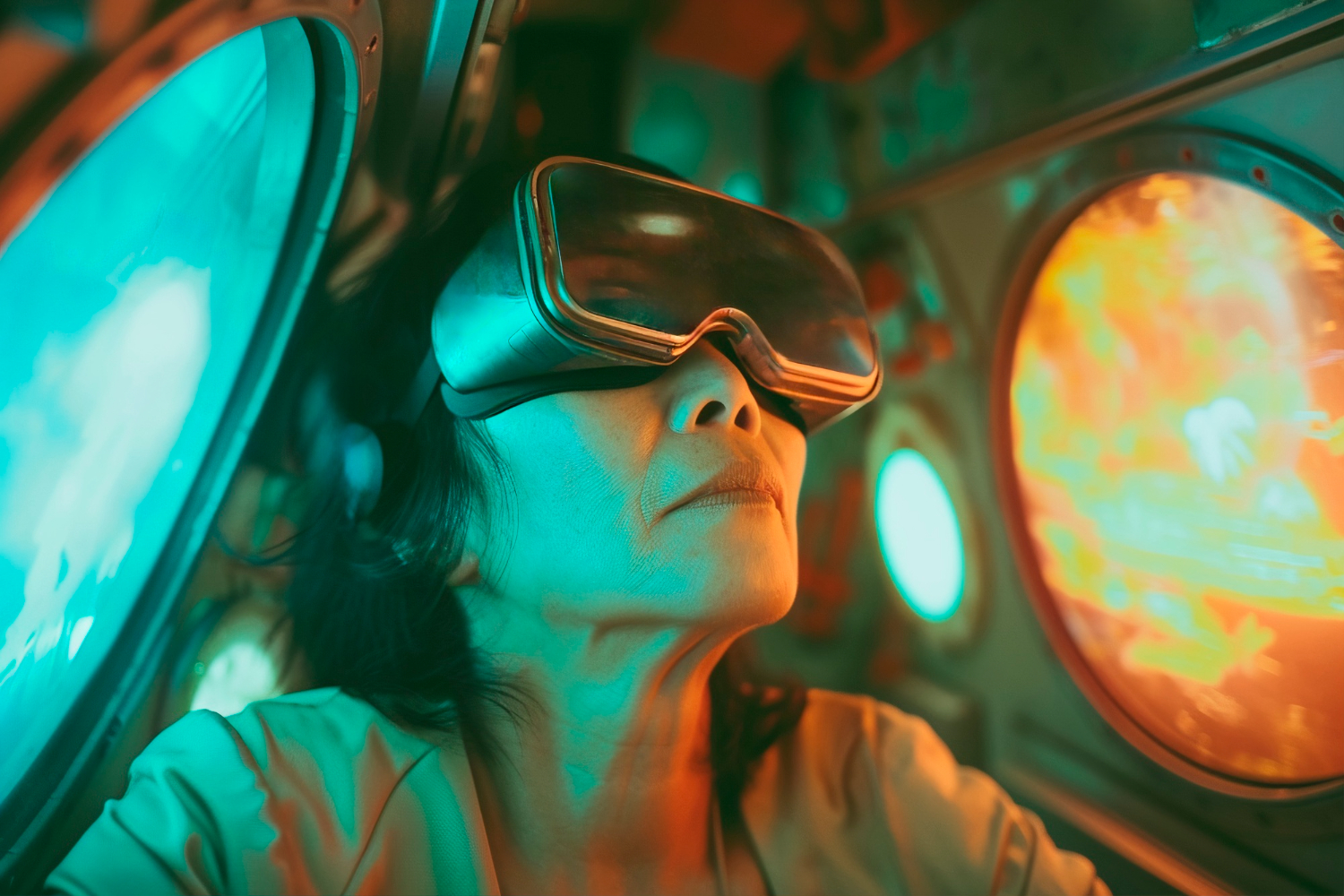
Real virtual reality experiences beyond gaming include surgical simulation and patient-specific planning, pain and exposure therapy, hazard training on construction sites, retail staff rehearsing a Black Friday rush, and free-roam arenas where several people share one tracked space. A VR experience feels real when it tracks you precisely, renders in stereo across a wide field of view, and keeps up with your head fast enough that your brain stops noticing the display. That last condition sets the hardware budget, and it is why the choice between a standalone headset and a GPU-tethered PC matters more than most use-case lists admit.
What are some real-life examples of virtual reality experiences beyond gaming?
Beyond gaming, VR is used for surgical simulation and planning, pain and exposure therapy, construction safety training and design review, retail staff training and military training.
| Example | What VR does that a screen cannot | Evidence |
|---|---|---|
| Surgical simulation | Lets a resident rehearse a laparoscopic procedure many times at no marginal cost per repetition, with objective feedback | Treeview (2026) reports Medtronic’s Touch Surgery at 2.5 million active users across more than 100 US residency programmes |
| Patient-specific surgical planning | Turns CT and MRI slices into a room-scale 3D model of that patient’s anatomy | A 2026 Frontiers in Surgery review of 30 studies and 1,270 patients, as reported by Treeview, found plan changes in 32 to 52% of cases |
| Chronic lower back pain therapy at home | Delivers cognitive behavioural techniques through an immersive headset | The FDA authorised EaseVRx, prescription VR for chronic lower back pain, in November 2021; at end of treatment 66% of trial participants reported over 30% pain reduction against 41% of controls |
| PTSD exposure therapy | Places patients in graduated, controlled versions of feared situations | Treeview (2026) reports Bravemind, from the USC Institute for Creative Technologies, in more than 60 VA and military facilities |
| Construction safety training | Exposes workers to hazards and accidents without the risk | A systematic review on Research Square found VR hazard training outperformed traditional methods for tasks such as reinforced concrete work |
| Construction design review | Puts stakeholders inside a 1:1 model of a building before it exists | The same review describes shared virtual spaces for real-time design review that reduce misunderstandings |
| Retail staff training | Recreates a live store under pressure without affecting customers | Chief Learning Officer (2021): Walmart bought 18,000 Oculus Go headsets for its 200 academies |
| Military training | Replaces live-fire drills with virtual scenarios | Training and simulation are described as the main military application of XR/AR systems |
Healthcare: where full immersion is the treatment
Treeview’s 2026 survey of clinical use argues that VR is the right tool when the absence of the real world is what produces the clinical effect, as in exposure therapy, pain distraction and neurological rehabilitation. Pain distraction is the clearest case: Treeview cites published trials showing worst-pain ratings falling by up to 50% against no-VR controls during wound care in intensive care. Rehabilitation is another, and the same source cites a 2024 systematic review of 55 randomised trials and 2,142 stroke patients in which VR outperformed conventional therapy on upper-limb motor function and functional independence.
Treat the Treeview figures as a vendor’s summary of the literature, not as primary results. The EaseVRx authorisation is the firmer anchor, because it is a regulator’s decision based on a controlled trial. The device itself is ordinary hardware: a headset, a controller and a “Breathing Amplifier” that directs the patient’s breath towards the headset microphone.
Construction and enterprise training: rehearsal at scale
In construction, VR earns its place in two ways. It makes hard concepts visible: the systematic review points to structural elements and tunnel-boring machine operation as things students grasp better in VR than from rendered images. It also lets workers face hazards without the associated risks. Participants in one study said VR exposed them to construction hazards and accidents that would not be feasible on a single real site. The review also describes DroneSim, a VR flight simulator for drone-based building inspection, which performed as well as or better than real-world inspection training.
The Walmart programme shows what this looks like in a large company. Strivr recorded 30 minutes of a real store on Black Friday with a 360-degree camera and turned it into a training module. Chief Learning Officer reported that VR trainees gave 30% higher satisfaction ratings, retained 10 to 15% more knowledge, and finished in 20 minutes material that took 90 minutes in a classroom. Notice the hardware: Oculus Go headsets showing content filmed with a 360-degree camera. Your use case sets the rendering requirement, and some valuable experiences need very little of it.
What makes a VR experience feel immersive rather than like watching a screen?
A VR experience feels immersive when your body accepts that you are in a place, and the events in that place make sense for you being there. Mel Slater splits this into two orthogonal components. Place Illusion is the sensation of being somewhere, and it depends on how faithfully the system responds when you turn your head, lean or reach. Plausibility Illusion is the sense that what is happening is really happening, and it depends on whether events respond to you and match your expectations. Slater argues that people behave realistically in VR when both illusions are present.
A flat screen cannot give you Place Illusion, because turning your head shows you the living room. John Carmack makes the same distinction from the engineering side: a mouse or controller is something you operate consciously, while VR aims to be accepted at an unconscious level.
So which features of the hardware matter most? Cummings and Bailenson’s meta-analysis (Stanford, 115 effect sizes from 83 studies) found that technological immersion has a medium-sized effect on presence, and that more user tracking, stereoscopic visuals and wider fields of view count for significantly more than most other features, including the quality of visual and audio content. Valve’s VR research team gave a more prescriptive list of conditions for presence, including a field of view of 80 degrees or more, tracking accurate to the millimetre, a refresh rate above 60 Hz and about 20 ms from motion to last photon.
For immersion, tracking, stereo and field of view matter more than visual content quality. That is the meta-analysis’s finding, and perceived lag in response to head motion is also a primary cause of simulator sickness.
When you actually need full enclosure
Some use cases are AR or MR territory, not VR. Our hub on AR vs VR vs XR covers that choice in depth. The short version is that a surgical training simulator, being a controlled and fully immersive environment, is VR territory, a retail try-on overlaid on a real product is AR, and remote field-service help anchored to the environment is MR. Augmented reality applications keep the real world in view and register digital content to it. If the user has to keep working with physical objects, VR is the wrong starting point. If you are still working out the difference between AR and VR in practical terms, settle that before choosing a headset.
Standalone headset or GPU-tethered PC: what hardware a VR experience needs
Both routes must meet the same budget. A headset needs sustained stereo rendering at 72 to 120 fps, with motion-to-photon latency of about 20 ms, and it has none of the slack a flat-screen game can rely on. The 20 ms figure has a perceptual basis. Carmack notes that absolute delays below about 20 ms are generally imperceptible, and that visible lag in response to head motion is one of the main causes of simulator sickness. Meta’s developer requirements for Quest make the floor explicit: apps must hold at least 60 fps, and interactive apps must run at 72, 80, 90, 96, 100 or 120 Hz, though the three highest rates are not available on every device.
A standalone headset such as Quest 3 renders on its own built-in chipset. The Meta Quest 3 uses Qualcomm’s Snapdragon XR2 Gen 2 with 8GB of DRAM, driving 2208 x 2064 displays at 90 Hz (with an experimental 120 Hz mode) and a 110-degree horizontal field of view. Treeview (2026) reports that Quest 3 and 3S are the most widely deployed headsets in clinical training and therapy, due to the standalone form factor, price and enterprise management tools.
A tethered setup renders on the PC’s graphics card. To run PC VR on a Quest through Horizon Link or Air Link, Road to VR lists an Intel i7 or AMD Ryzen 7 or greater, 16GB+ of RAM, Windows 10 or later, and a USB-C port unless you use Air Link. Many modern gaming PCs with NVIDIA or AMD graphics qualify, but Intel Arc and workstation GPUs are not supported. The cable generally gives the best visual quality and longer battery life than the wireless route.
| Standalone | PC-tethered (Link or Air Link) | |
|---|---|---|
| Where rendering happens | Mobile chipset in the headset | Desktop NVIDIA or AMD GPU |
| Practical constraint | Built-in Snapdragon XR2 Gen 2 with 8GB DRAM | Supported GPU list; cable gives the best visuals |
| Deployment | No PC to manage per user | A capable PC per station |
When an app keeps dropping frames, the compositor steps in. In UploadVR’s explanation, modes such as Oculus Asynchronous Spacewarp kick in after a few seconds of dropped frames: the app is forced to render at half rate (45 fps on a 90 Hz headset) and every other frame is synthesised from previous frames and tracking data. It is a fallback, enabled only while frames are being dropped. TechnoLynx’s GPU Performance Engineering work profiles workloads to make them faster on the target hardware.
How free-roam, location-based VR differs from at-home headsets
At-home VR relies on a headset and limited movement. Location-based VR brings people together in a shared physical space with full-body tracking and haptic feedback. Sandbox VR describes kitting players out with a headset, full-body trackers and a haptic vest, in rooms whose mapped walls, floor markers and motion sensors match the virtual layout to scale, so that stepping onto a virtual bridge means stepping onto a real surface.
Venue and headset documentation shows four differences:
- Tracked area. HTC documents an LBE Mode in which VIVE Focus Vision, Focus 3 and XR Elite headsets track several users across a 33 m x 30 m (1,000 m²) space, with marker-based drift prevention and relocation.
- Tracking method. Zero Latency’s venues used headsets plus backpacks, according to UploadVR.
- Shared physical space. Each player’s movements drive their avatar in real time, on a floor built to scale.
- Extra senses. Venues add directional speakers, ambient lighting, temperature shifts and vibration.
Location-based VR is not only entertainment either: HTC positions LBE Mode for training simulations as well as arcades, and Sandbox VR points to education and training uses.
Picking a virtual reality example worth building
Read across the examples and one test separates the lasting ones from the demos: does removing the real world create the value, or does it just get in the way? By that test, surgical rehearsal, exposure therapy, hazard training and design walk-throughs qualify. Anything that needs the user’s hands on real objects usually belongs in AR or MR, which our page on mixed reality experiences in everyday life covers. The construction review calls for cost-effective VR to widen access, one direction for future VR applications.
FAQ
What is virtual reality in a very short answer?
Virtual reality replaces your view of the real world with a computer-generated one through a headset, so you perceive yourself as being inside it.
Is VR technically 3D?
Yes. Headsets render a separate image for each eye, and stereoscopic visuals are one of the features that most increase the sense of presence.
What causes simulator sickness in VR?
Visible lag between head movement and the display is one of the main causes of simulator sickness.