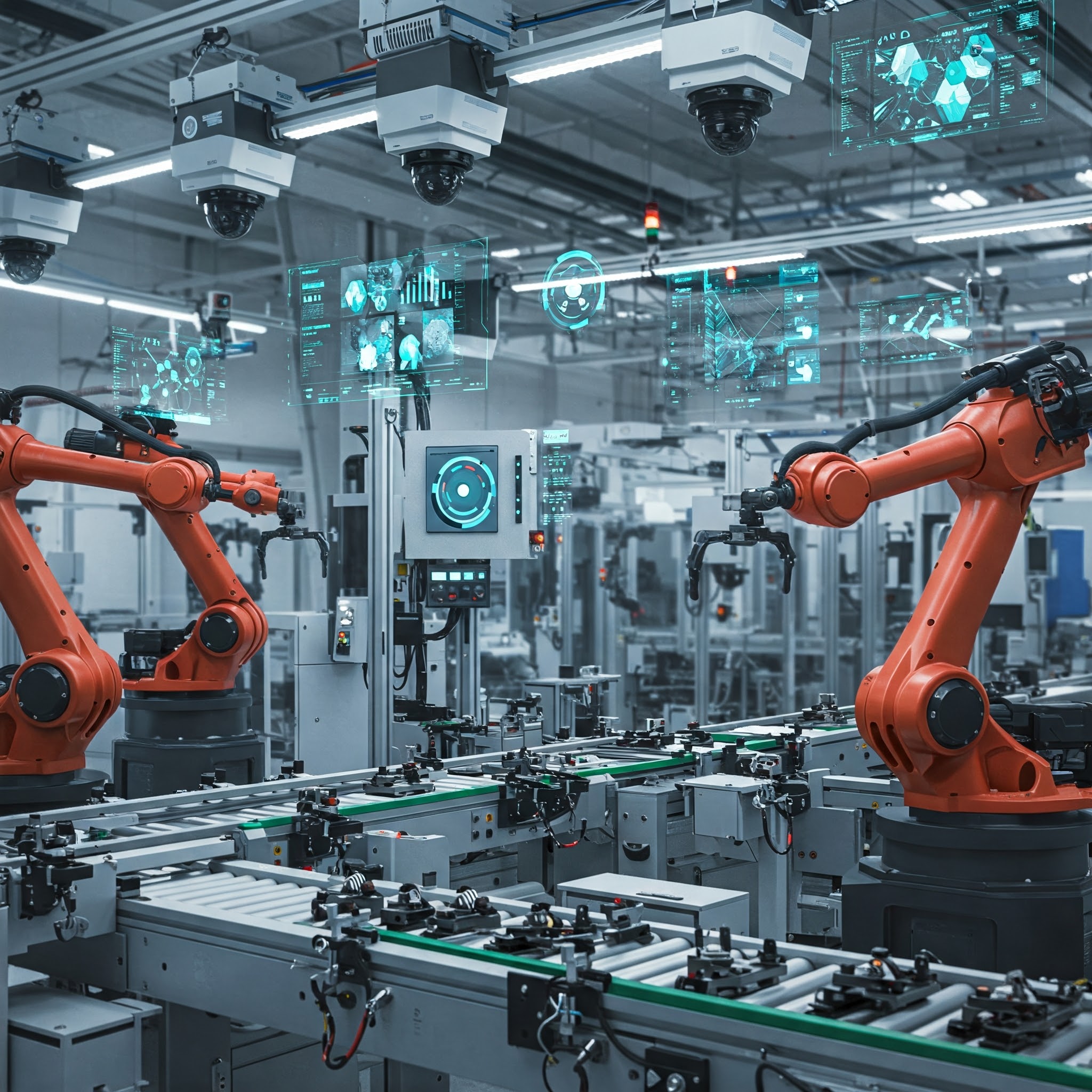
Introduction
Two architectures dominate industrial quality control—traditional machine vision relies on rule-based algorithms and dedicated inspection hardware, while AI-based computer vision deploys learned models on general-purpose compute—and selecting between them requires matching five specific production constraints to the technical characteristics of each approach. The honest answer is the decision framework, not a single technology pitch. See computer vision for the broader inspection-procurement framing this decision article lives inside.
The naive read is that “CV improves QC” through any one of these technologies. The expert read is that the decision is a structured choice across five factors (variation in environment, throughput, defect type complexity, auditability, maintenance team capability), that each factor points toward one approach or a hybrid, and that the decision-framework discipline is what produces a defensible procurement against the inevitable line audit.
What this means in practice
- The improvement to QC depends on the technology choice fitting the production constraints.
- Machine vision wins on deterministic, high-throughput, low-variation inspections.
- Computer vision wins where defect complexity exceeds rule-based capacity or variation is structural.
- Hybrid deployments are common; the decision framework supports them rather than forcing single-technology choices.
Machine vision vs computer vision: which inspection approach fits my manufacturing line?
Five factors determine architecture choice. Variation in production environment: low and controlled favours machine vision; high or uncontrolled favours computer vision. Throughput: ultra-high (kHz inspection rates) favours machine vision specialised hardware; high but standard rates support either. Defect type complexity: rule-describable defects (presence/absence, dimensional, colour-out-of-range) favour machine vision; learned-pattern defects (subtle visual signatures, contextual defects) favour computer vision. Auditability: hard regulatory requirements for deterministic, explainable inspection logic favour machine vision; outcome-based acceptance criteria support either.
Maintenance team capability: engineering teams with rule-tuning and lighting-design strength favour machine vision; engineering teams with ML and data-pipeline strength favour computer vision. The framework produces a vector across factors; the procurement decision should run the framework explicitly and document the per-factor reasoning. Single-factor decisions (“computer vision is the future” or “machine vision is what we always do”) are the procurement decisions that fail the line audit.
What is machine vision, and how does it differ from a custom computer vision system?
Vendors including Keyence, Cognex, Datalogic, Omron, and Basler ship integrated camera-lighting-processor systems running rule-based image analysis software configured through proprietary environments rather than trained on datasets. The system is configured by an engineer who designs the lighting, sets the inspection rules (region of interest, threshold, expected pattern), validates the rules against good and bad samples, and ships the system tuned to the specific inspection. Behaviour is deterministic — same input produces same output, and the rules can be inspected and explained.
Custom computer vision in 2026 is the AI-based approach where the system is trained on labelled examples to learn what good and bad look like, deployed on general-purpose hardware (industrial PC, GPU server, edge inference device), and integrated by the engineering team that built the model. Behaviour is learned — same input produces same output statistically, but the rules are in the model’s weights rather than in inspectable configuration. The difference is determinism, hardware integration, and configurability — machine vision is configured per inspection; custom CV is trained per inspection.
When does a Keyence/Cognex-style machine-vision system beat a custom CV deployment?
Favor machine vision when these five conditions hold. Variation is low and controllable — the production line can deliver controlled lighting, fixed framing, and consistent positioning, and the inspection runs against the controlled input. Throughput is ultra-high — the inspection rate exceeds what general-purpose hardware can sustain, and the specialised hardware’s pipeline is required. Defect types are rule-describable — the inspection is “is this feature present at this location with this tolerance” rather than “does this look subtly wrong in a way I cannot articulate.”
Auditability is regulatory-mandated — the inspection must produce an explainable decision per unit, and the rule chain provides the explanation. Vendor support is the operations preference — the plant operations team has standardised on a vendor relationship for inspection systems and the integration into existing line controls is well-understood. Five-of-five conditions: machine vision is the obvious answer. Three-or-four-of-five: the decision is real; the framework guides the call. Two-or-fewer: custom CV starts to dominate.
How much does a vision inspection system cost across machine-vision versus custom-CV options?
Capital and operating expenses diverge sharply between approaches. Machine vision: per-station capex is well-bounded by vendor pricing (cameras, lighting, processing controller, integration software) with per-deployment customisation cost from the integrator; total per-station deployment costs range broadly with the inspection complexity but the bounds are vendor-supplied. Multi-station deployments amortise the integrator-relationship cost across stations; the per-station economics improve with scale.
Custom CV: per-deployment cost has a heavier engineering component (data collection, labelling, model training, deployment infrastructure, monitoring stack) with a lighter per-station hardware cost (general-purpose cameras, edge inference hardware, no vendor lock-in on lighting or controllers). The first deployment is more expensive than the equivalent machine vision; the second deployment of the same model class costs much less because the engineering investment amortises across deployments. The cost-comparison decision turns on deployment count — one or two stations favour machine vision economics; many stations of similar inspection class favour custom CV’s amortisation.
Is computer vision AI/ML, and does the answer change the procurement path?
Convolutional and transformer backbones extract features through learned weights, feeding classification or detection heads that likewise emerge from training rather than manual rule authoring. Traditional CV (hand-engineered features, classical algorithms) remains in production for specific use cases but the deployment of new CV systems in 2026 is predominantly ML. The answer changes the procurement path because ML-based systems have different lifecycle concerns than rule-based systems — training data is a procurement asset, model versioning is a deployment concern, drift management is an operational concern, and the team that owns the system has ML competencies as well as CV ones.
Procurement teams that scope custom CV deployments as one-time projects with rule-based-system lifecycles mismatch the procurement to the technology. The honest scoping treats custom CV as an ongoing model-management commitment with the cost and capability profile that implies; teams unwilling to take on the model-management commitment should reconsider whether machine vision fits better.
Which production constraints (latency, lighting, throughput) push the decision one way or the other?
Three scenarios justify the rule-based approach. Latency budget below ~10ms per inspection (a rule of thumb as a practical threshold) — the specialised hardware pipeline supports it; general-purpose hardware struggles. Lighting variation outside the system’s control band — paradoxically pushes toward machine vision because the controlled-lighting installation that the machine-vision deployment requires solves the variation problem at the lighting layer rather than the modelling layer. Throughput above ~kHz — specialised hardware supports it; general-purpose hardware does not.
Push toward custom CV. Latency budget above ~50ms (a planning heuristic as a decision threshold) — general-purpose hardware is sufficient and the model flexibility is real value. Lighting variation that cannot be controlled (mobile inspection, outdoor inspection, varying ambient on shared lines) — the model adapts where rule-based logic does not. Throughput below the ultra-high band — general-purpose hardware suffices. Inspection types that include subtle visual signatures or context-dependent defects — the model captures patterns rules cannot articulate. Defect classes that drift over time as the product or process evolves — the retraining loop handles drift, where rule-based systems require re-configuration. The constraint vector pushes the decision; the framework collects the pushes into a defensible call.
Lifecycle discipline for Computer Vision Improve Quality
Production vision systems require calibration schedules, drift monitoring, and version control regardless of whether rules or learned weights generate decisions. If your team is choosing between machine vision and custom CV for QC and needs the decision framework applied before commitment, contact us.
Image credits: Freepik